


 Several months ago, we received an iPad. I knew that we would adore this amazing piece of technology, but it was a bit confusing to me. There are so many apps out there and my boys were hungry to try different items. Some apps are free, but others have price tags that range from $1 to $10 or more. Reviews at the app store left me curious for more information. When we were given the opportunity to review the new iPad Apps For Kids For Dummies,
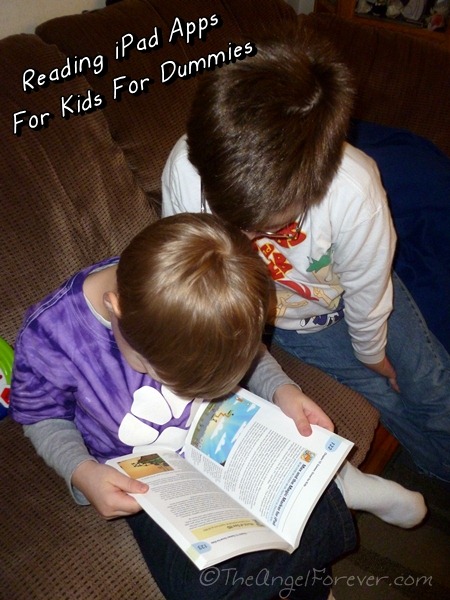
My oldest, NHL 9, read it to my kindergarten kid, JSL 5. They sat, looked, read, and plotted what apps they were going to ask us to purchase. The color photos kept them engaged, but my older son enjoyed reading what Jinny Gudmundsen wrote about each of the items that he was interested in. NHL was even curious to compare what he thought of some apps that we already had to the thoughts in the book (I was wondering the same thing).
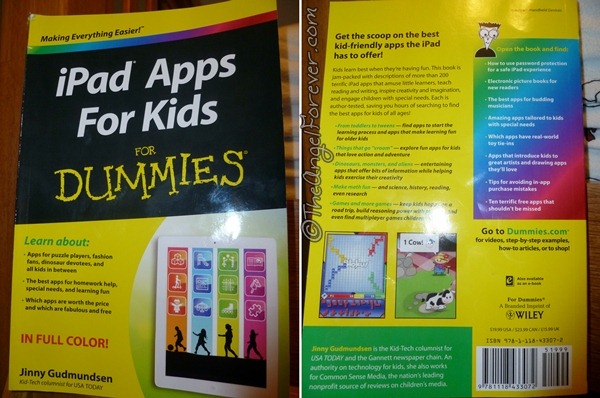
As my kids found out, iPad Apps For Kids for Dummues follows the traditional easy to follow layout of the other Dummies books. This book is broken down by age groups, book apps, app themes, and more. Here is a quick overview of why this resource is so easy to use.
- Chapter 1: Using an iPad with Kids – Tips for parents/caregivers on using password locks, making folders, buying covers, and other items that will be useful when sharing your iPad with children.
- Chapter 2-4: Age Collections – App collections for toddlers, preschoolers, and kindergarten aged children.
- Chapter 5: Art – Apps that help kids to draw, be creative, and learn about Art.
- Chapter 6-7: Book Apps – Broken down into suggestions for younger kids and older kids.
- Chapter 8: Cars, Trucks, and Things That Go Vroom
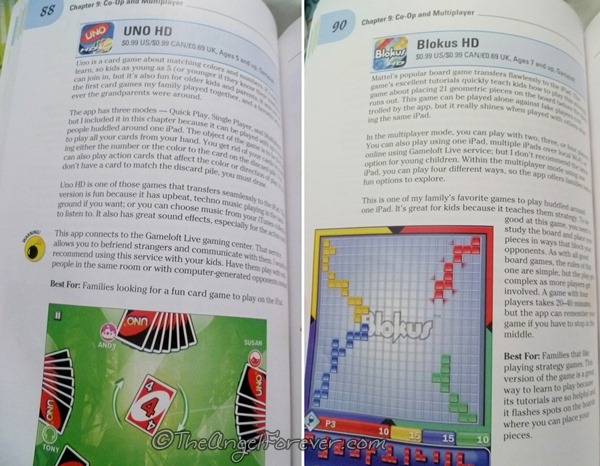
- Chapter 9: Co-op and Multiplayer – This included apps like Uno and Blokus HD. I liked that Gudmundsen explains that the popular Uno translates well onto the iPad format. It is also great to see that there are tutorials to help people to learn the strategy behind Blokus.
- Chapter 10: Creativity, Storytelling, and Journaling
- Chapter 11: Dinosaurs
- Chapter 12: Games – Includes Angry Birds and other popular games like Peggle, Where’s My Water?, Plants vs. Zombies, and more.
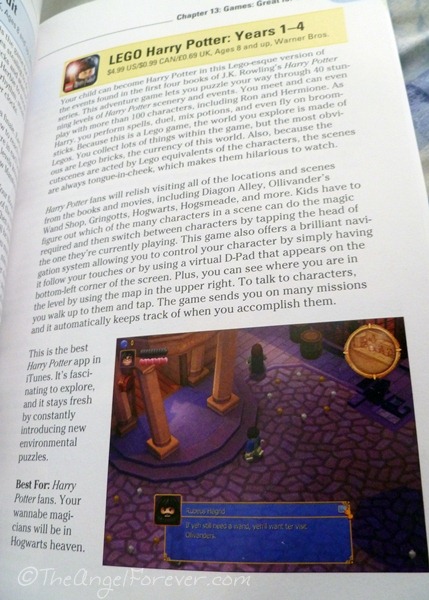
- Chapter 13: Games Great for Kids – This includes LEGO Harry Potter which both of the boys are begging for.
- Chapter 14: Girl Power – Heroines, Fashion, and Princesses.
- Chapter 15-19: Learning Apps – Broken down into Language Arts, Math, Reference, Science, and Social Studies.
- Chapter 20: Monsters & Aliens
- Chapter 21: Music
- Chapter 22: Puzzles
- Chapter 23: Road Trip Apps
- Chapter 24: Special Needs
- Chapter 25: Toy Ads-Ons – So many of these items like The Game of Life ZappED are out and this chapter talks about them.
- Chapter 26: Ten Favorite Free Apps for Kids
- Chapter 27: Ten Favorite Kid Apps – We will be reading this more closely since we are intrigued with Toca
For parents that are not sure of a starting point on apps for their children, I really adore this book. It is a resource that helps busy families to break down possible apps that their children may enjoy. Even the Appendix with the Apps by Age Groups is a huge asset to someone like me.
Oh and if you were wondering, we did look and compare a few apps that we already owned with the pages in the book.
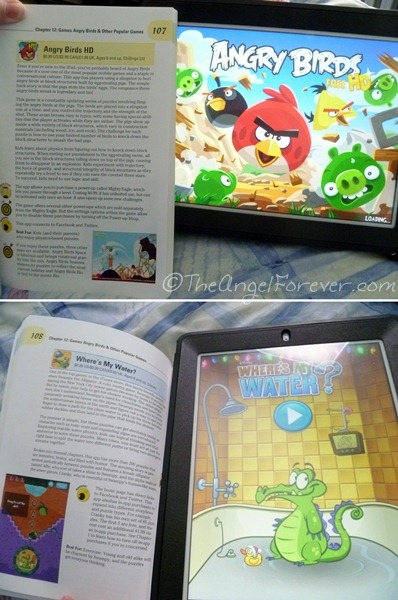
We definitely agree with what was written about Angry Birds and Where’s My Water? by Jinny Gudmundsen. She explains what the game is about, how there is an educational twist, and what families may enjoy. There are also warnings about some links on the apps and other pointers about upgrading the Angry Birds.
If you have apps that you adore for your kids, I would love to hear about them. I know our list of apps to purchase is growing thanks to iPad Apps for Kids for Dummies and the pointers within the valuable resource.

Disclosure: I wrote this post as an Ambassador for Dummies books through a Global Influence campaign. I received a copy of this book for review purposes, but as a fan of Dummies books, the opinions expressed are 100% my own and no other compensation was received. An Amazon Affiliate link is included in this post for the Dummies book mentioned. I will receive a percentage of money for the sale should you opt to purchase it through that link.





There are so many. I don’t know where to start. I’m not sure if you’re familiar with AppShopper or not. This is an app that will let you know if there is a price change to an app you are interested in buying. They have a website too (http://appshopper.com/ipad). I think they even have ratings of the apps.
Right now my daughter is into, the Highlights magazine Apps, TurtleTrek (by SeaWorld), Handwriting Without Tears.
Great review! I have the iPhone and hubby has the iPad, and we both have different apps. :-)
Debra @ A Frugal Friend´s last blog post ..Cheryl’s Valentines “Hug Me” Cookie Sampler – only $9.99 Shipped
Sounds like a nice way to browse apps. My kids are good at using the iPhone and iPad, but it is too much for them to use the app store.